Learn To Build Systems With Notion

Build system in Notion that works for you. Subscribe to newsletter to stay updated with Notion updates and tips.

Latest Posts

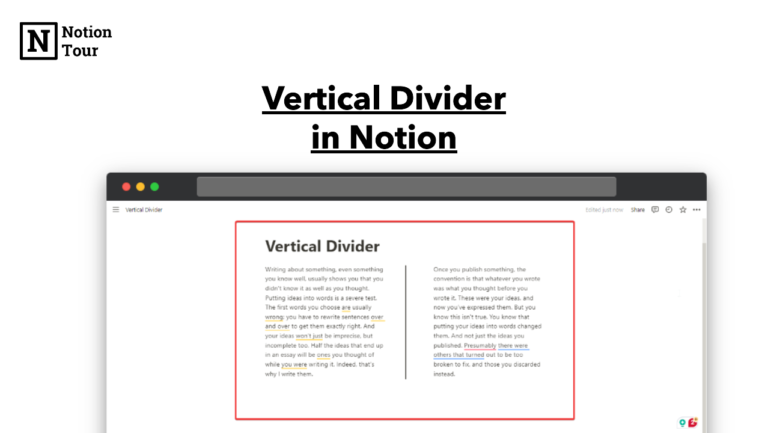
Vertical Divider in notion

How to add a Vertical Divider in Notion

In Notion, vertical dividers will help you to separate your content and columns. But, Notion doesn’t have a solution to add vertical dividers. It does have a horizontal divider but it does not have a vertical divider. But you can repurpose the quote block to create a vertical divider which you can use to separate […]

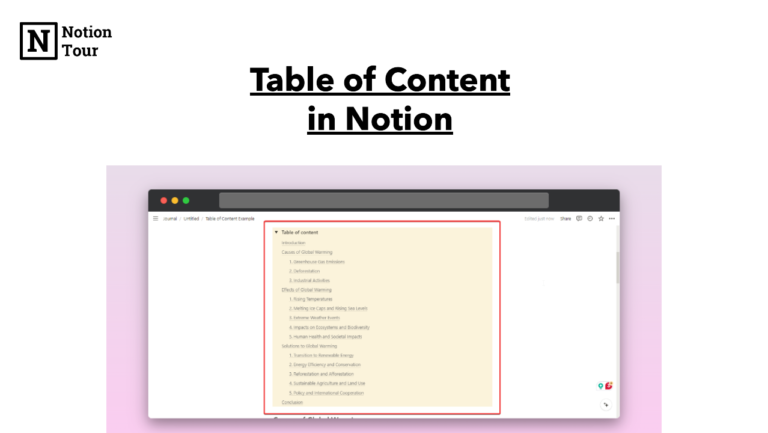
Yellow table of content in notion

How to Add Table of Content in Notion

The table of contents (TOC) helps you navigate through the content on the page. If you are writing long essays with multiple headlines and sub-headlines then this is going to help you navigate through these headlines and sub-headlines. It adds a list of anchor links to the headings in your document. In this post, we […]

Hide notion properties tutorial

How to Hide Notion Properties in Simple Steps

Notion properties are very useful to add extra information to the pages, but we add many properties and we don’t need to show all in the database view. One of the key features of notion properties is the ability to hide and unhide different Notion properties. In this tutorial, we will see how you can […]

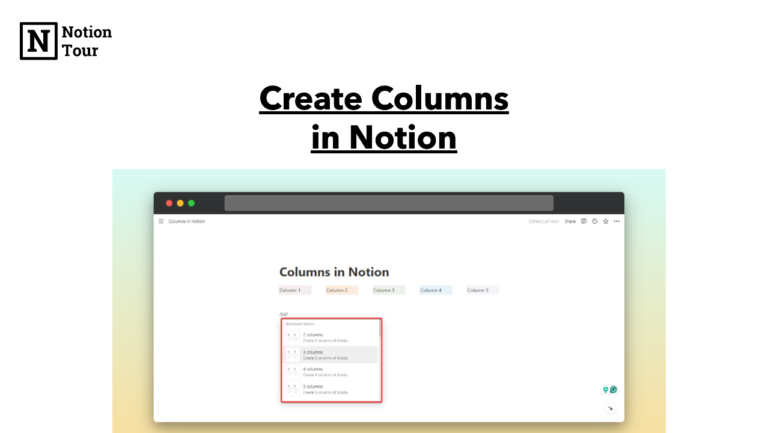
Create columns in notion tutorial

How to Create Columns in Notion

Columns let you separate your content in Notion. You can categorize by any type to navigate and find relevant information easily. Making columns in notion is very easy. Here in this post, we will learn how you can make columns. Here are the steps to create columns in notion. Method 1 – Using Drag and […]

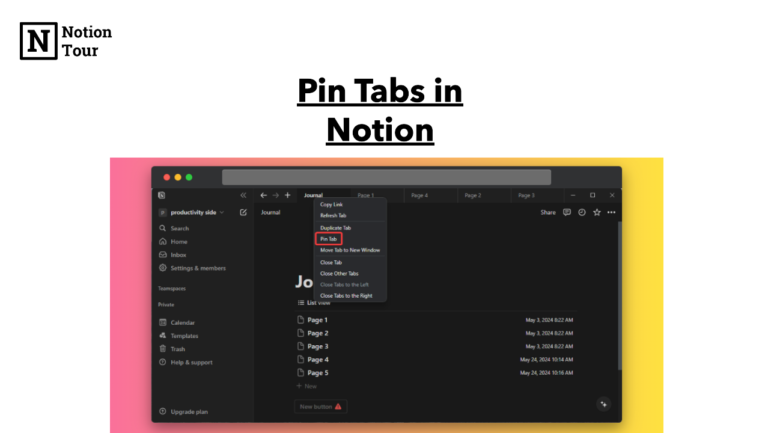
Pin tabs in notion

How to Pin Tabs in Notion

In browsers you can pin tabs similarly Notion has a new feature where you can pin tabs. This is helpful when you need specific pages to be sticky and use them frequently. In this post, we will learn how to pin your tabs in Notion. Here are the steps to learn the Notion pin tabs […]

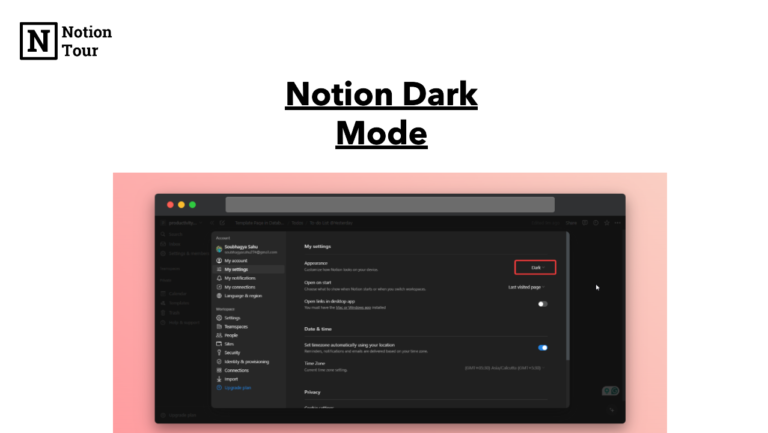
Notion Dark Mode

Notion Dark Mode: How to Turn On & Off (Desktop & Mobile)

When you work long hours day and night then eyes hurt from the light of the desktop screen. Dark mode helps you reduce your eye strain and gives you a gentle look day or night. Notion also has a dark mode feature which enables you to work for longer hours with a darker look. In […]

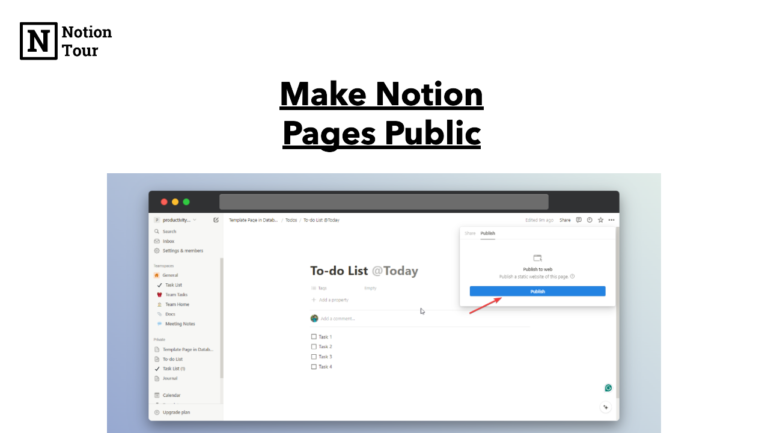
Make Notion Pages Public

How to Make a Notion Page Public With Few Steps

Notion has a powerful feature that allows you to share your specific content with individuals or groups. In this post we will show you how you can share your pages in public, allowing you to share your content with anyone. Here are the steps to make Notion pages public. Click on the Share Button First, […]

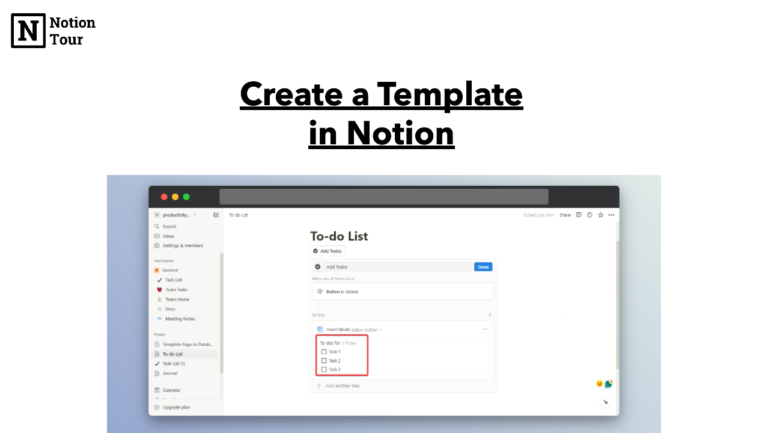
Create a Template in Notion

How to create a template in Notion? 3 Types of Templates

Notion template helps you automate the repeated tasks that you have. You can be efficient with this feature and don’t have to create multiple times. You can create a template to use repeated tasks, create a page for repeated use as a template, and share your template with others to duplicate and see. You can […]

Duplicate Pages in Notion

How to duplicate pages in Notion

With Notion, you can create content for your own use and can share it with others to use. You can create pages and share them with others to use. Let’s learn how you can duplicate a page in Notion. Here are the steps to duplicate a page in Notion. 1. Choose and Open the page […]

1 2 3 17

Shop

No shop items found.