Learn To Build Systems With Notion

Build system in Notion that works for you. Subscribe to newsletter to stay updated with Notion updates and tips.

Latest Posts

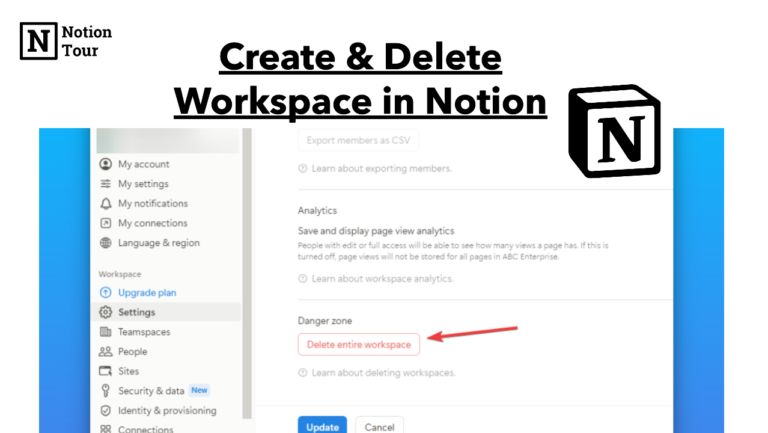
How to Create and Delete a Workspace in Notion

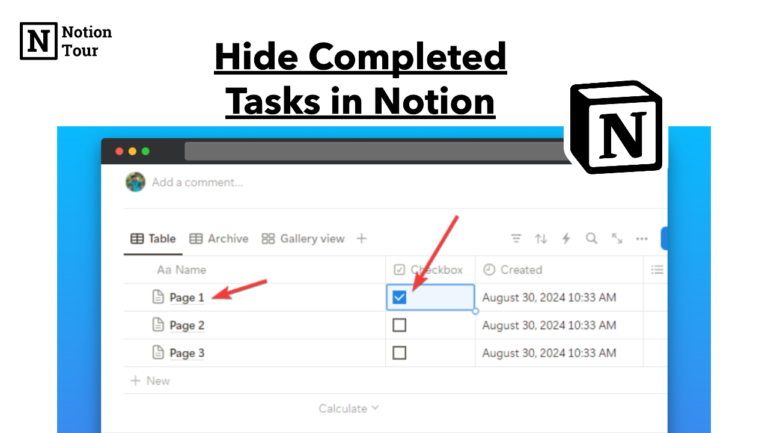
How to Hide Completed Tasks in Notion

Notion is a powerful task management tool for teams and professionals. You can create projects, tasks, and sub-tasks, assign them to the team, set deadlines, and categorize them. It offers lots of functionality and flexibility to use it for your projects. Did you know? You can hide your completed tasks from your tasks database. It’s […]

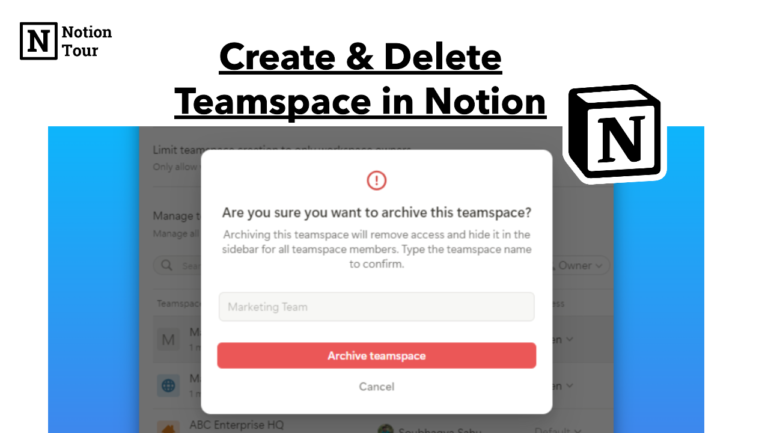
How to Create and Delete a Teamspace in Notion

How to Create and Delete a Teamspace in Notion

In Notion, team space is a like team area in an office. You can create a teamspace in the workspace to specify the teams you are working with. You can create teamspace for different teams like marketing, sales, engineering, legal, and more. These team spaces will be in a single workspace. You can think of […]

How to Create and Delete a Workspace in Notion

In Notion, a workspace is a place where you store and organize all your data, documents, and pages. You can create multiple workspaces in a single free plan. You can create one for personal use or one for your teams. This way you will able to separate your personal stuffs from your work stuff. It’s […]

How to Add Icon Next to Title in Notion

How to Add Icon Next to Title in Notion

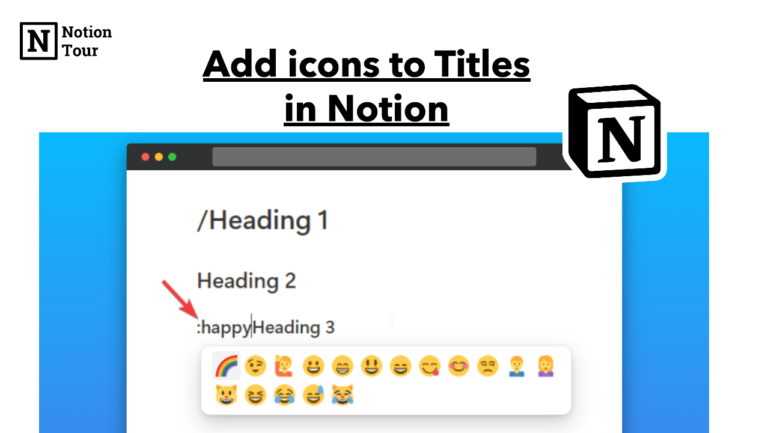
Notion helps you organize your content with emojis and icons. You can add images to Notion and add icons to it to make your content more appealing. But there are no direct ways you can add. In this tutorial, we will see how you can add icons next to titles in Notion. Add an icon […]

How to Add and Remove a Comment in Notion

How to Add and Remove a Comment in Notion

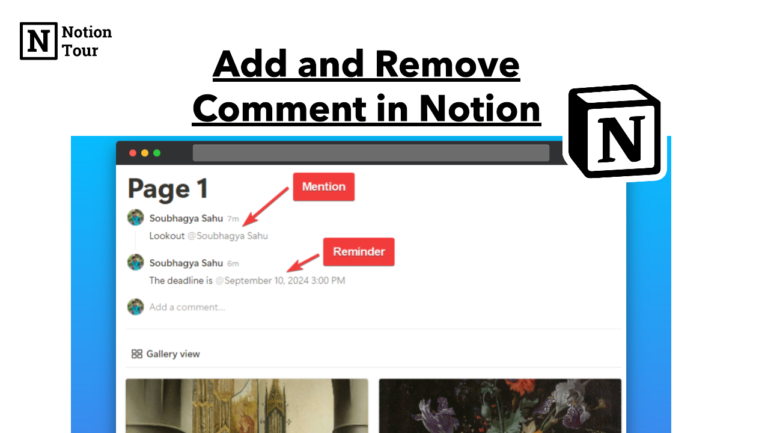
Notion is best for project management for teams with its customizations and communication ability. You can directly communicate or integrate your communication app straight into the Notion app. It’s easy to add comments in Notion. You can mention your team member in the comments and do a lot more things. In this tutorial, we will […]

How to Add Emojis in Notion With Shortcuts

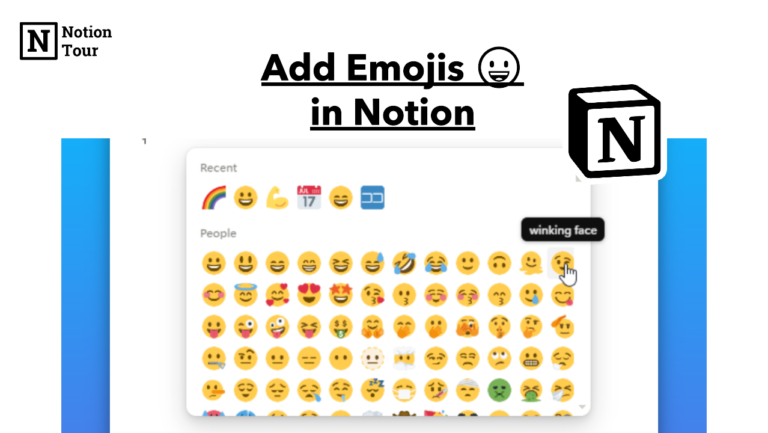
Emojis add some visual expression and emotion to writing. It becomes easier to read the emotion of the writer and set the mood of the content. In Notion, you can add emojis to make the content look more aesthetically pleasing or add emotions to the writing. In this tutorial, we will see how you can […]

Notion Cover Image Size: Full Guide

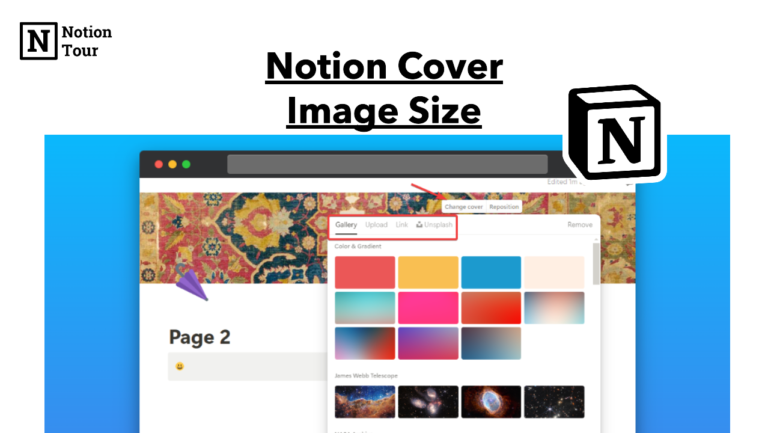
Notion allows you to add a cover image and a logo to each page to make the page more decorative and aesthetically pleasing. You can add custom images to add more live to the Notion page. In this tutorial, we will see the cover size in Notion with a complete guide. How to set Notion […]

How to Hide Pages in Notion

Notion makes it easy to organize your pages with subpages and makes it easy to navigate. You can create a parent page, add subpages to it, and organize it according to your choice. But in the sidebar, something gets cluttered, and instead of deleting it you can hide it from the sidebar and see them […]

3 Ways to Use GPT4 & Claude in Notion AI

3 Ways to Use GPT4 & Claude in Notion AI

Notion introduced its AI ability where you can extract information from your workspace. You can chat securely on Notion AI about historical events, ideas, and code. Notion AI will cite the source on its general knowledge. You can use Claude and GPT-4 ChatGPT-based model in directly on Notion AI. Here is how you can use […]

1 2 3 17

Shop

No shop items found.