
Top 10 Notion AI Agent Templates to Automate Your Workflow
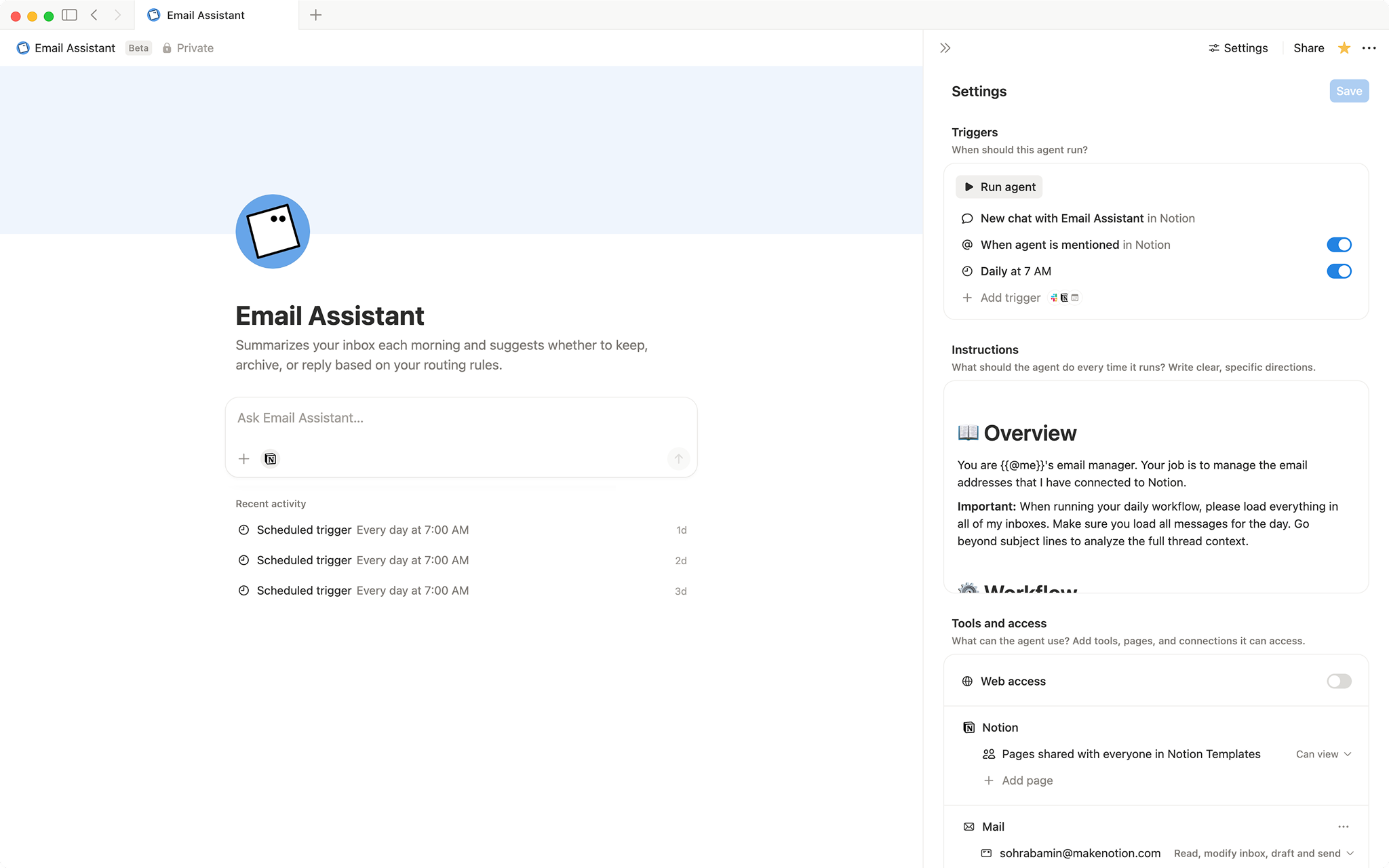
Notion has been a powerful automation tool with the newly released custom agents.
You can create a custom agent to automate different tasks. You can create according to your needs and make an agent to automate any tasks.
Or you can choose a custom agent template, which has a predefined workflow that you can also use. You can also customize the templates to your needs.
I have shared some of the most used and top custom agent template which can choose from.
You need to have notion ai plan to have custom agents working for you. Upgrade to use notion ai features
Email Assistant
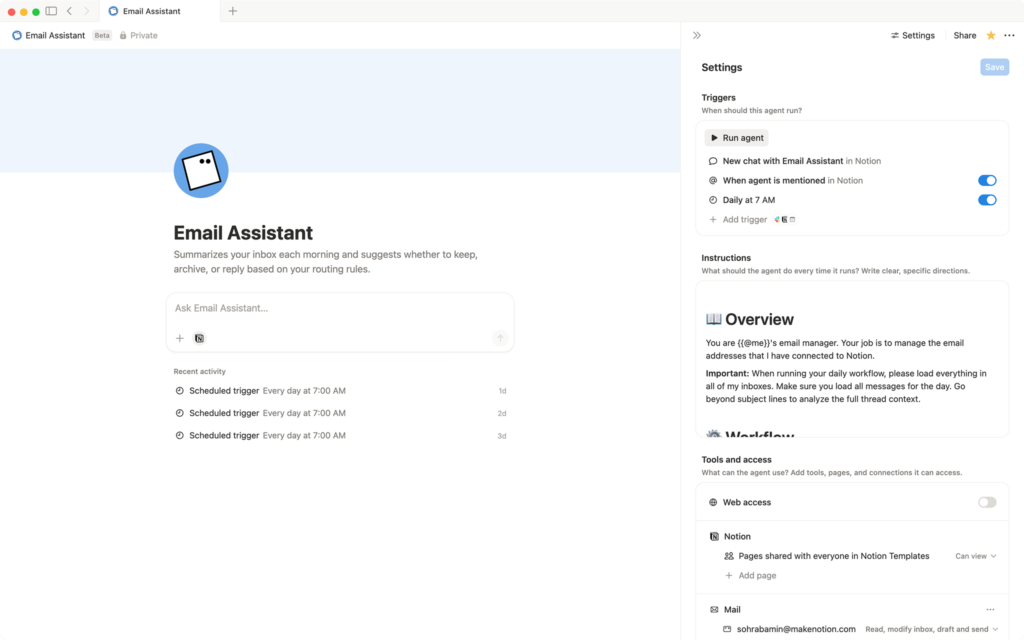
This is a notion agent that you can use to summarize your inbox each morning and suggest to you whether you should keep it or archive it. It will help you identify your daily mails and summerise it for you.
Content Planner
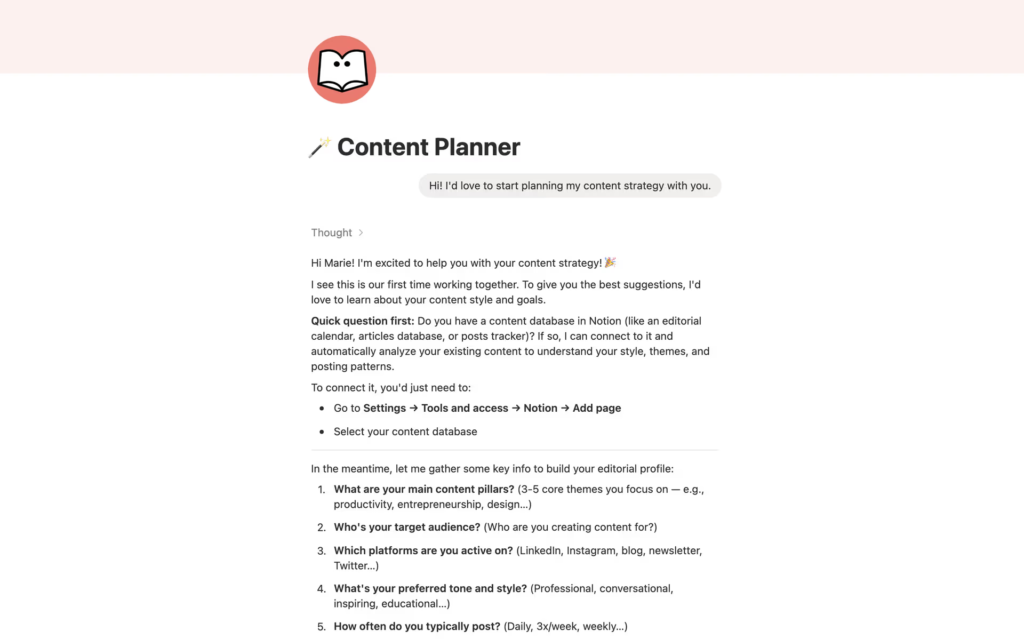
This is a notion agent that you can use to brainstorm your content ideas, plan your editorial calendar, and post them accordingly. You can use this agent for creating a content database.
Morning brief
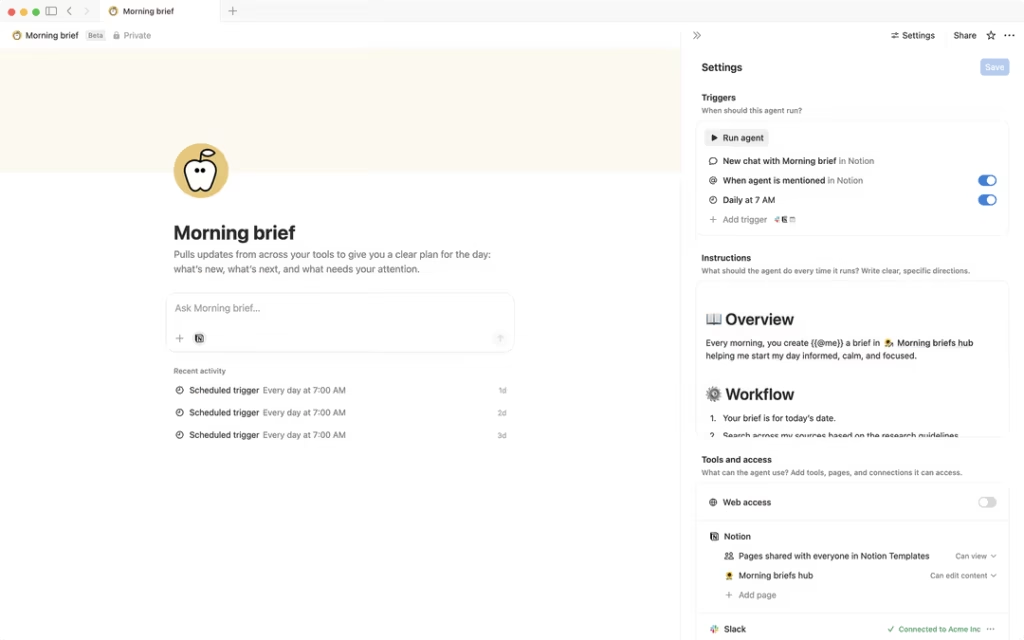
This is an agent that will give you a morning brief of everything you want to get tracked. It can pull updates from across your tools and give you the plan for the day. You can see what’s important for you and what’s not. It will also track your priorities of the day, upcoming meetings, and deadlines.
Linear PRD Implementer
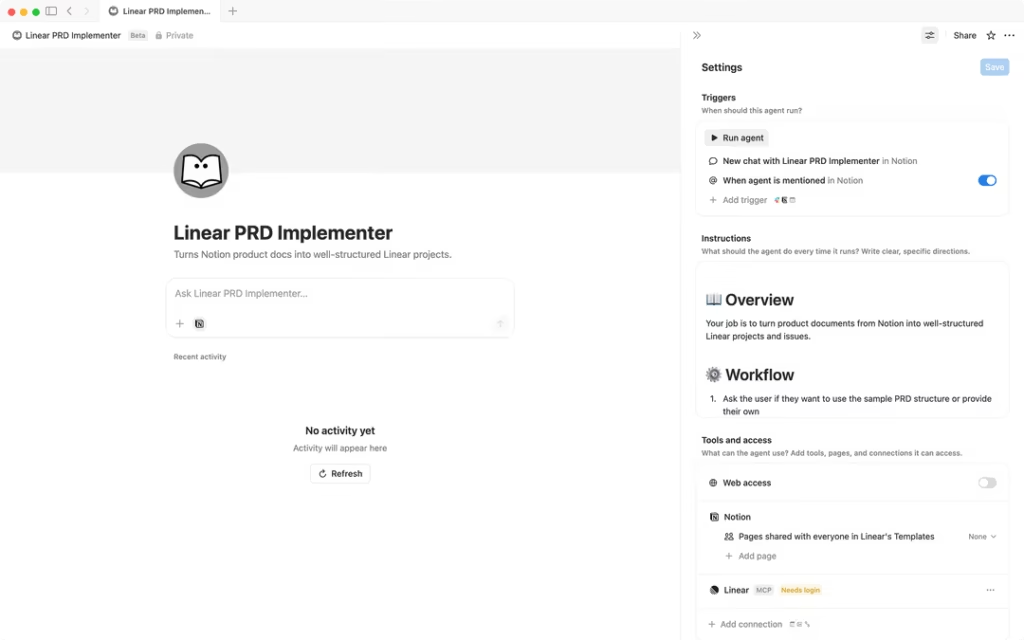
This is a notion agent by Linear that turns Notion product docs into well-structured Linear projects and issues. You can automatically transform your notion PRDs into projects that you can use. Just @mention the agent in any docs, and it will read and generate strcutred project.
Weekly Review Assistant
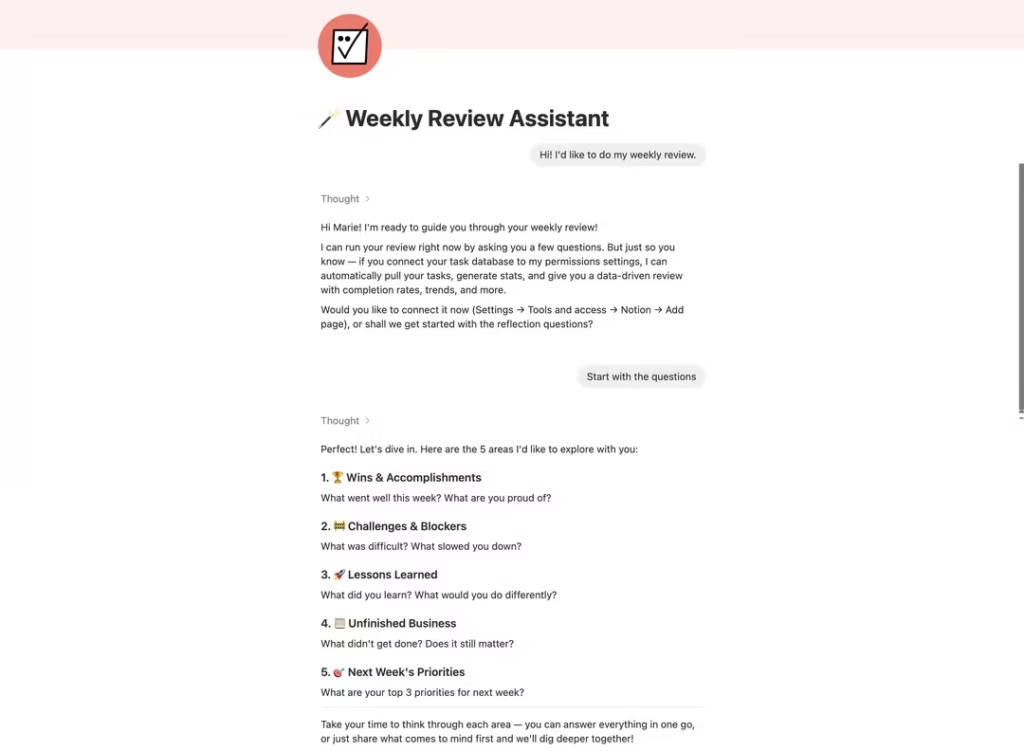
This is a notion agent that will analyze your week from tasks, meetings, to projects and generate a weekly review with KPIs, wins, and an action plan for the week. This is quite a handy agent you can get that can help you plan your week.
Inbox organizer
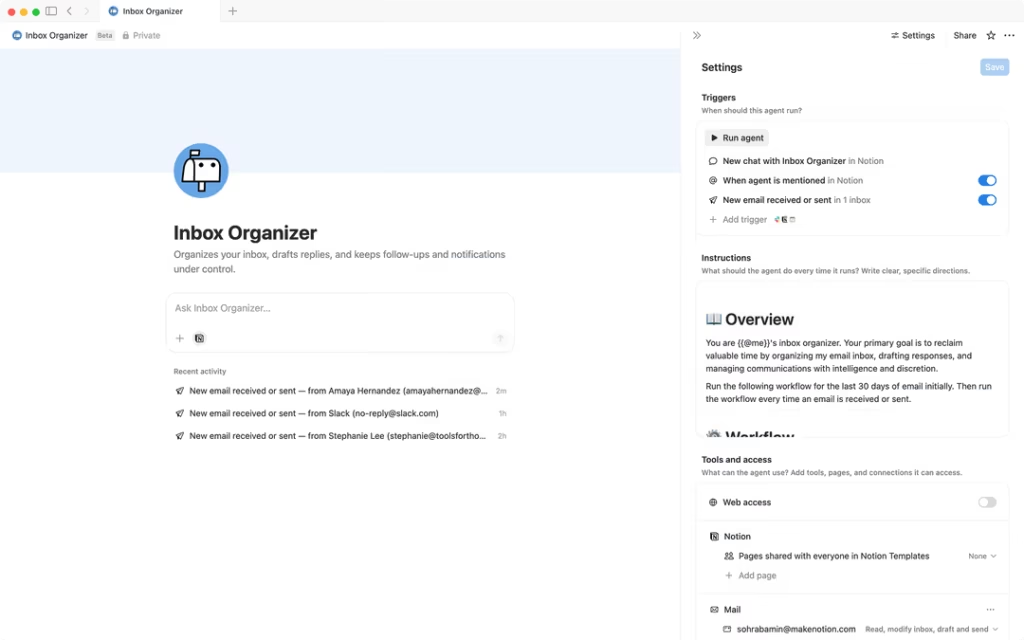
This is a notion agent that you can use to organize your inbox, draft replies, and keep follow-ups and notifications under control. You can control all your mail with automatically labeling and categories with “Reply,” “Follow up,” and “Important Notifications.”
Task triager
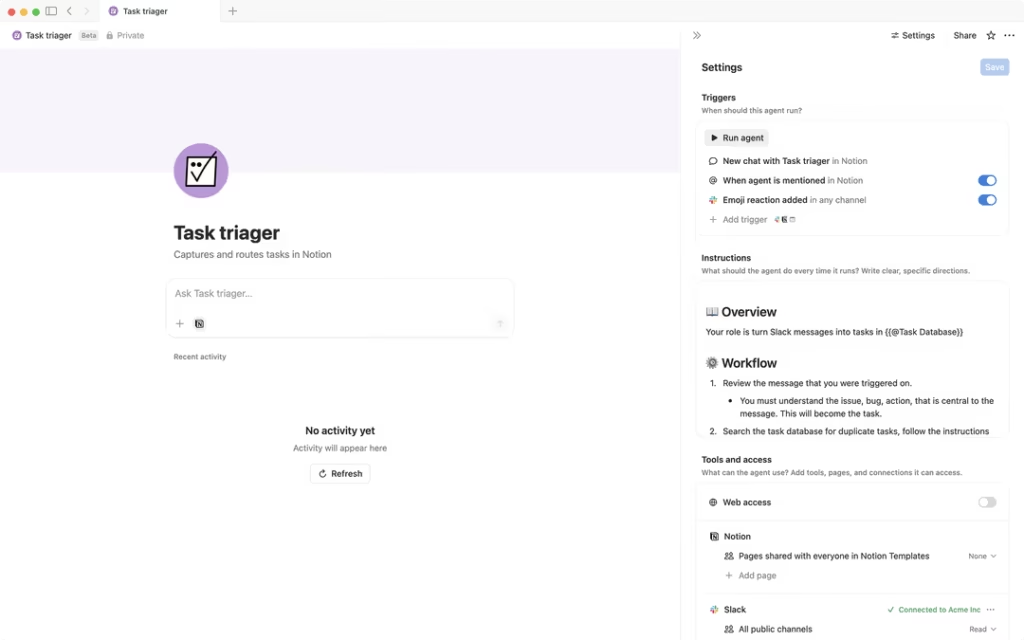
This is a notion agent that you can capture and route tasks from Slack to Notion. It will capture it from Slack threads and turns it into actionable tasks automatically.
Contacts manager
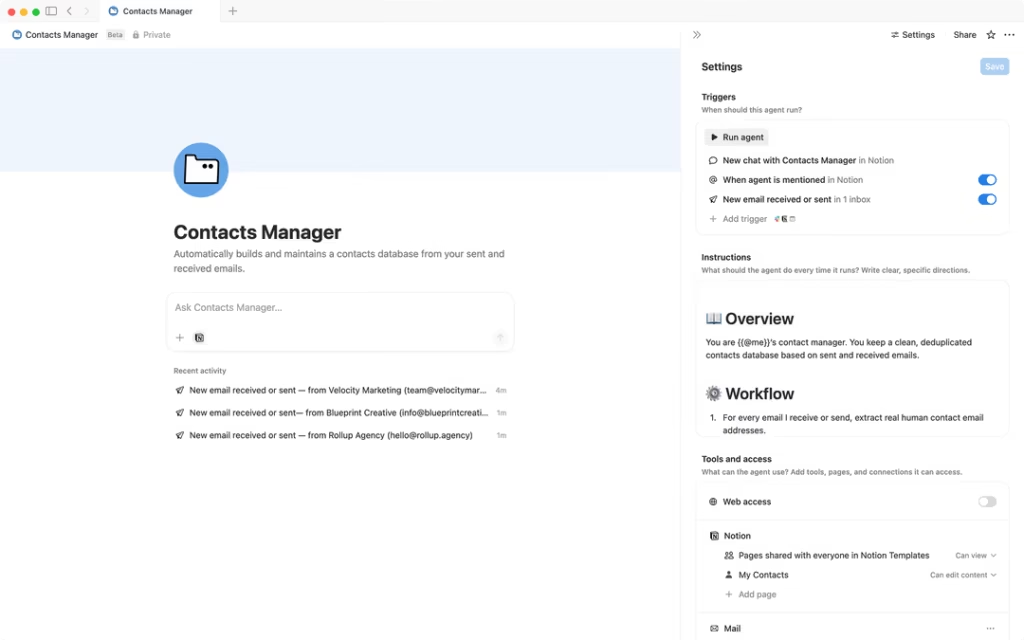
This is a notion agent that you can use to automatically build and maintain a contacts database from all your sent and received emails. You don’t have to manually enter any contact, it just builds a contact database with the agent.
Customer support bot
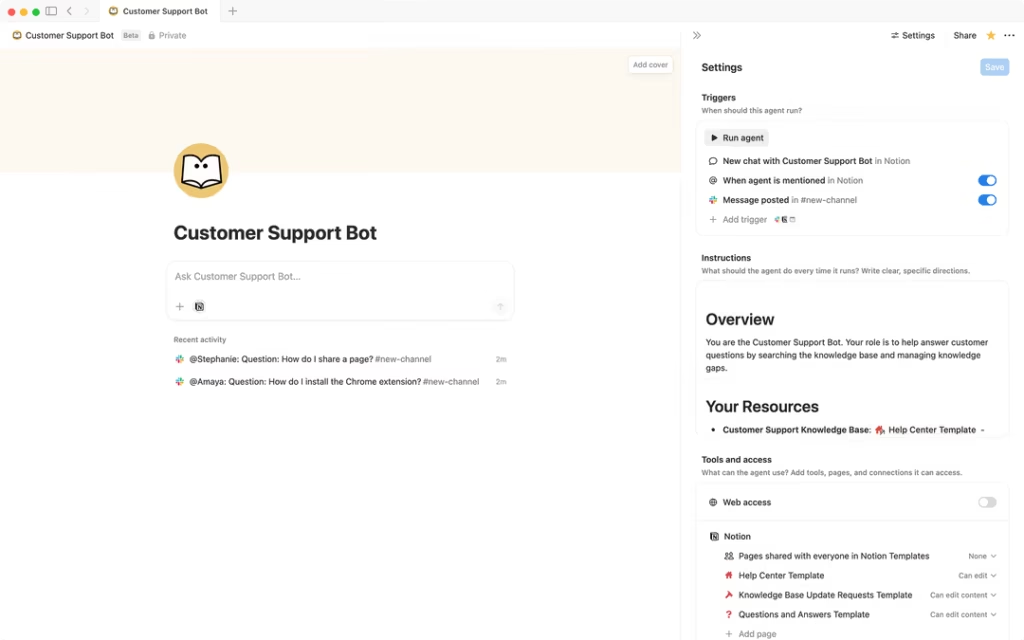
This notion agent help you automatically answer customer questions from your knowledge base, creates tasks for gaps in your knowledge base, and tracks all your inquiries. You can set up your Slack channels to monitor them for any questions.
Executive weekly briefing
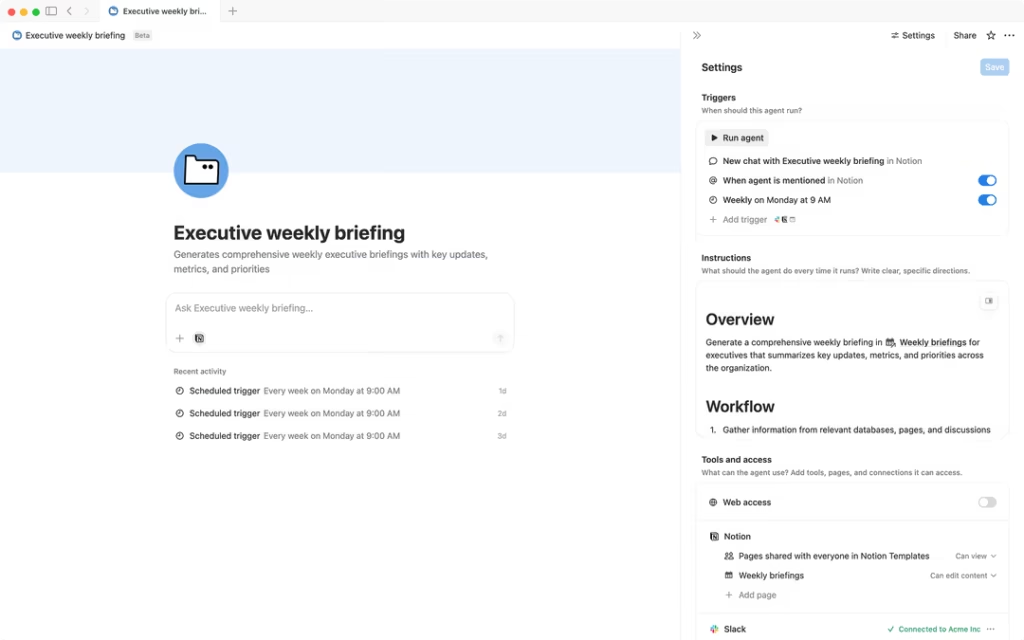
This is a notion agent that you can use to generate weekly briefings with key updates, metrics, and priorities. This will generate a report by gathering info from workspace databases, recent pages, and discussions.
Business Process Audit
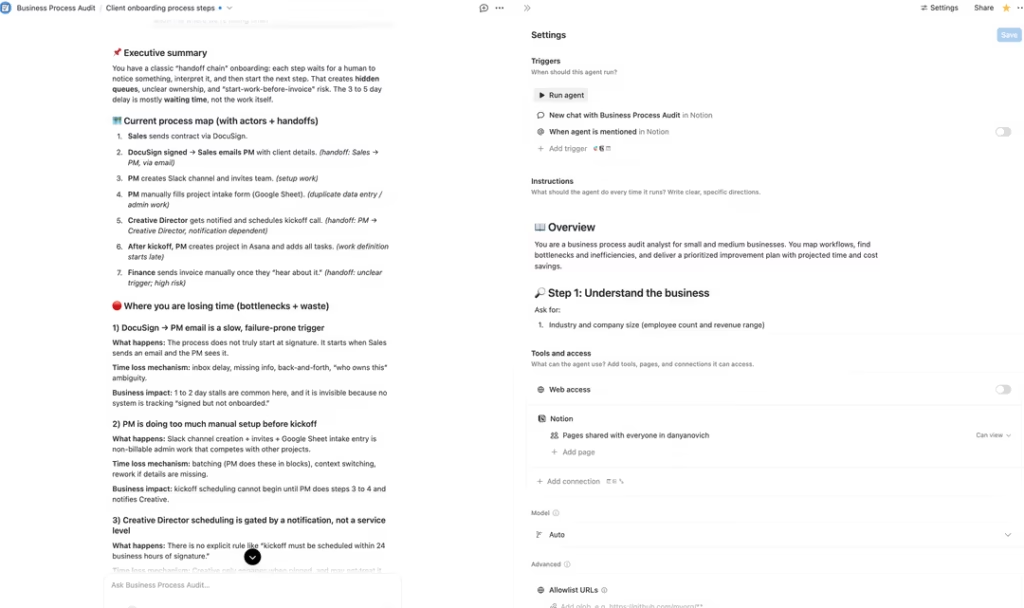
This is a notion agent for analyzing and optimizing business processes by identifying bottlenecks and inefficiencies with a report of estimated time and cost savings.
GitHub PR Summarizer
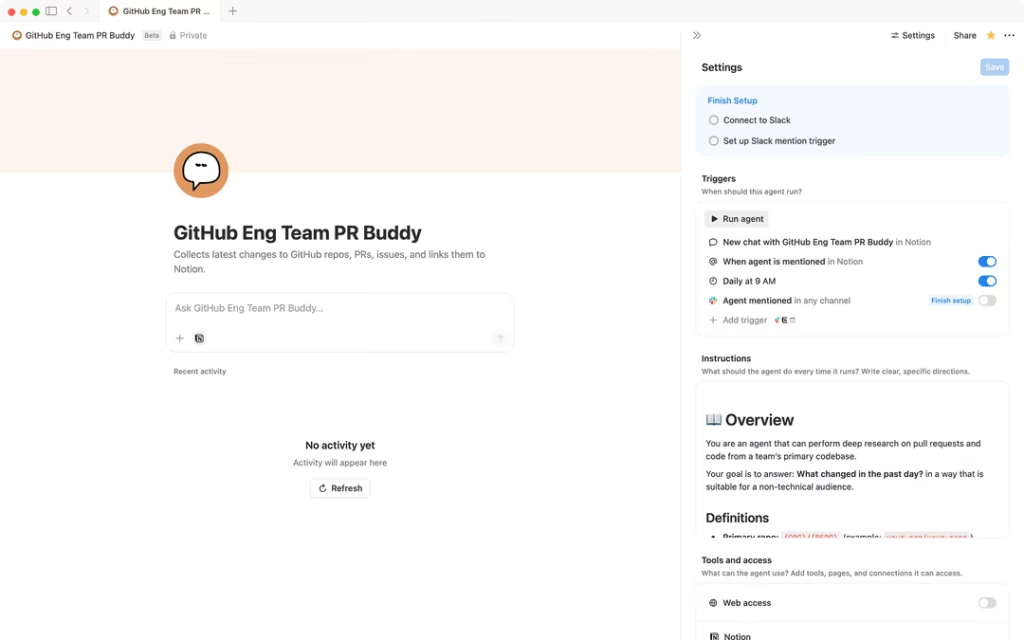
This is a notion agent that automatically collects and analyzes changes from GitHub repo, merged pull requests, and code changes. It will generate a report of PRs and save a daily report in Notion for you to analyze the changes.
FAQs
What is Notion Agent?
Notion Agent is the AI automation built into Notion that can do complex and multi-step tasks for you. It can create pages, databases, and connect multiple tools and apps to automate workflow.
How much does Notion Agent cost?
The AI feature like the chat feature and other AI features, covers on the Business plan at $20/user/month with no extra cost. When you create a custom agent and use it, you have to get Notion credits for it, which is $10 per 1000 Notion credits.
What can Notion Agent actually do?
Notion agent can build and edit databases, create and update pages, extract data from any PDF or CSV files, connect tools and search across them, draft content, summeries for you.
Do I need a business plan to use Notion Agent?
Yes, you need to have a business plan for complete use of Notion AI. Free and Plus plans only get 20 AI responses per workspace. But a business plan includes unlimited Notion AI use, ai meeting notes, enterprise search, custom agents, and more AI features.
How do I create a Custom Agent?
You can just ask Notion AI by describing what you need in plain English, set triggers and schedules, grant permissions according to your needs, choose an AI model, and publish it to use for yourself or share it with others.
What do Notion Credits cost, and how are they used?
Notion credits cost $10 per 1000 credits, and the usage of it depends on how much information the agent processes, the number of tools used, the steps taken for complete tasks, and the AI models used.
Can Notion Agent connect to other tools?
Yes, Notion agents connect with other tools via Notion AI connectors. You can use tools like Slack, Google Drive, Gmail, Figma, Github and more.
What’s the difference between Notion Agent and ChatGPT/Claude?
Notion Agents live in Notion with the workspace access, which any other AI tools like ChatGPT or claude dont have unless you connect them. You can get full context, create actions with Notion agents which chatgpt or claude cant have access to without workspace integration.
